My projects are all using CPCtelera (I need to try CPCtelera next soon).
I’m almost exclusively writing C but I have aspirations to write some Z80 ASM but its not made it into a project yet.
Music and sound is with Arkos 2
For emulators I use WinAPE and CPCEC.
Code is mostly written in Visual Studio with Wincpctelera but I use VSCode sometimes.
Graphics are drawn with RGAS 1.2.5
Levels are built in a custom map editor that exports the map to C source files that I can include in the game project. It also read the RGAS files directly which is really convinent.
For managing source code, task tracking, build pipelines I am using Azure DevOps Server (I think I might switch to forgejo one day but that is a lot of effort).
just thought i should mention that im trying to make it a bit easier to use CPCtelera_next and SDCC/z88dk on windows with my emulator CPCSyntaxError.. you can develop BASIC, ASM (with built in RASM) and C code and build/compile it and send it directly to memory, then run it, in one click, with full debugging
it makes it much easier for window users, who no longer have to install cygwin and other dependencies..or run command lines etc etc. linux and macos should install cpctelera and SDCC/z88dk like they normally would into the system.
on windows, you dont need to install CPCtelera as you normally would, just extract the zip and point the emulator to it. install SDCC and z88dk like normal into the system, then point CPCSyntaxError to them.
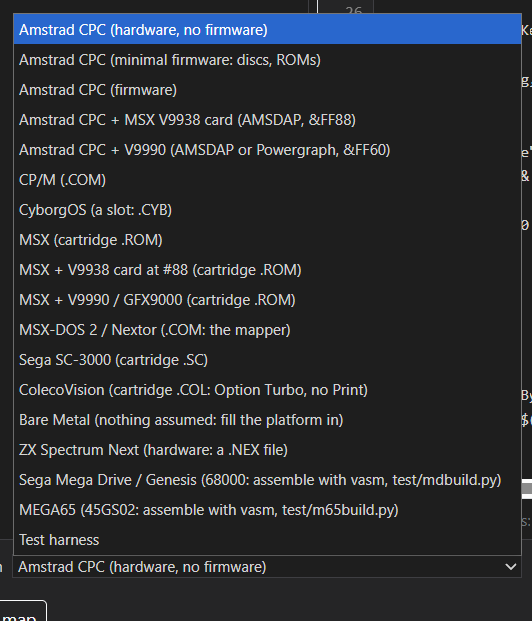
NTC BASIC now can target the following mostly with the same sourcecode - and you can put conditional compilation with inline assembly. Making commercial quality games has never been easier.
I was interested in tools that were OS-agnostic and could work on any system without much hassle. Eventually, I wrote my own tools in Python for that purpose, although I’m already using existing emulators. Currently, my toolchain is:
CPC 6128/6128+ emulators:
Retro Virtual Machine (version 2.0 for debugging on the 6128)
WinAPE
Assembler:
ABASM
BASIC compiler:
ABASC (includes bindings for CPCTelera and CPCRSLib)
Packaging:
DSK.py (custom tool)
CDT.py (custom tool)
Build:
Batch/Bash scripts
Code editor:
VS Code
Sprite editor:
Tixel for editing (another Python tool)
IMG.py for image conversion
However, I’m not really happy with the image tools I’m using/developing, so I’ll give your HTML tool a try. Also, I don’t have any tools for music creation/editing. Not sure what would be best for a complete noob in this field.
I’m fairly new to modern cpc development, but have done a lot on Vic 20 dev in the last few years.
My main tool/IDE is Turbo Rascal for coding.
For graphics, I use my own tools (created wit Ai assistance) called Imagery and 8bit pixel lab. The latter has connectivity with Turbo Rascal so you can export graphics as part of the build process.
I use Caprice, which we worked with Colin to get memory injection so can build and run quickly from turbo rascal. I also now use cpc syntax error emulator which has a nice debugger, and also has the injection feature.