ALIEN 3 AI by DEVILSYSTEM (Markus Hohmann)

Code & Logic Involvement

Hybrid (AI generated key routines; human assembled/edited)

Assets & Pipeline Involvement

Unknown (third party dev

Project Notes & Prompts

ChatGPT

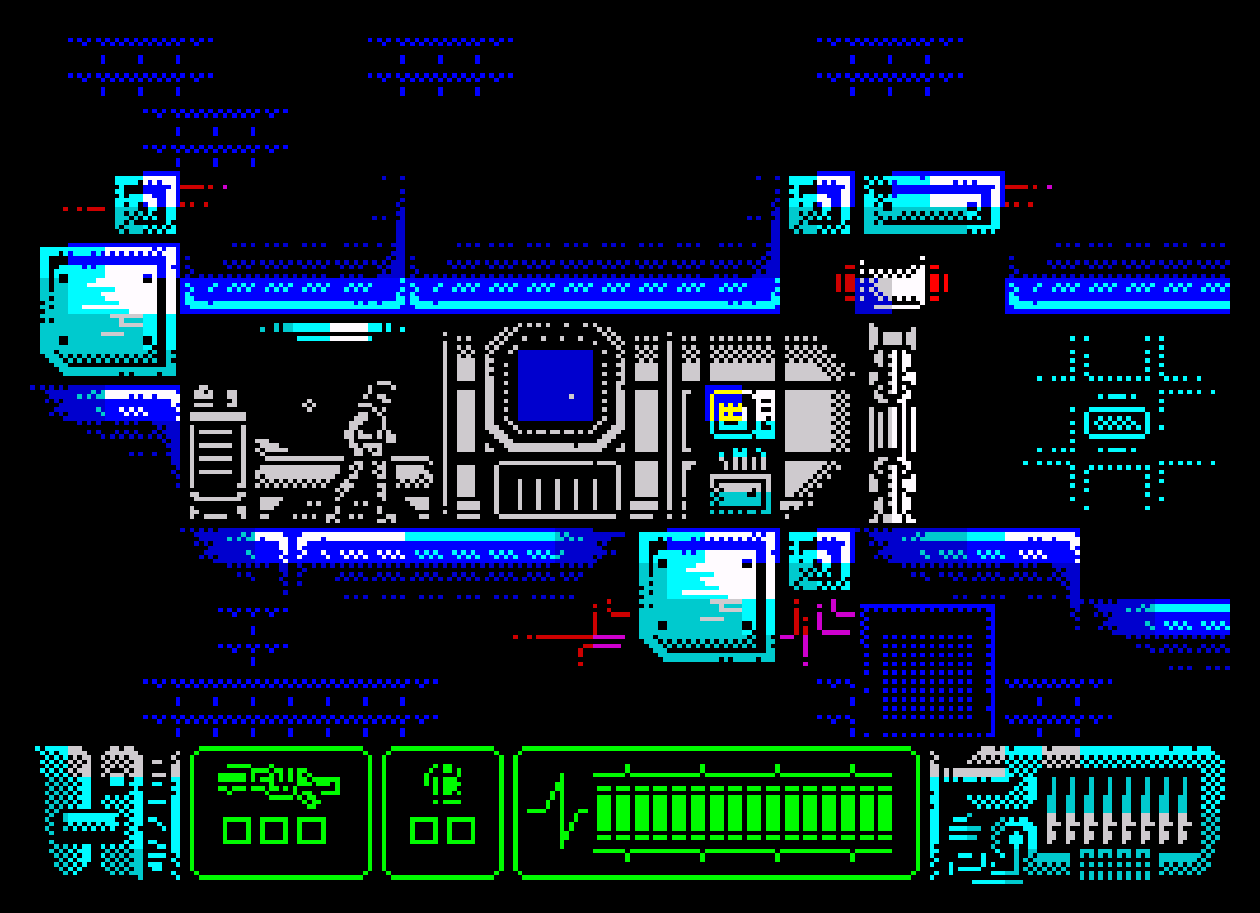
ALIEN 3 en la gama PLUS no se veia venir. Markus Hoffman, alias DEVILMARKUS alias, DEVIL SYSTEM junto a su IA favorita nos trae novedades en el proyecto.

https://alien3.devil-system.de/index.html?lang=en

1 Like

Alien3_6128Plus.cpr (512.3 KB)

1 Like

Stopping by the author’s page, where they explain and share their project while also offering their work for free, is also a great idea.

1 Like

In space, no one can hear you scream … :alien:

2 Likes

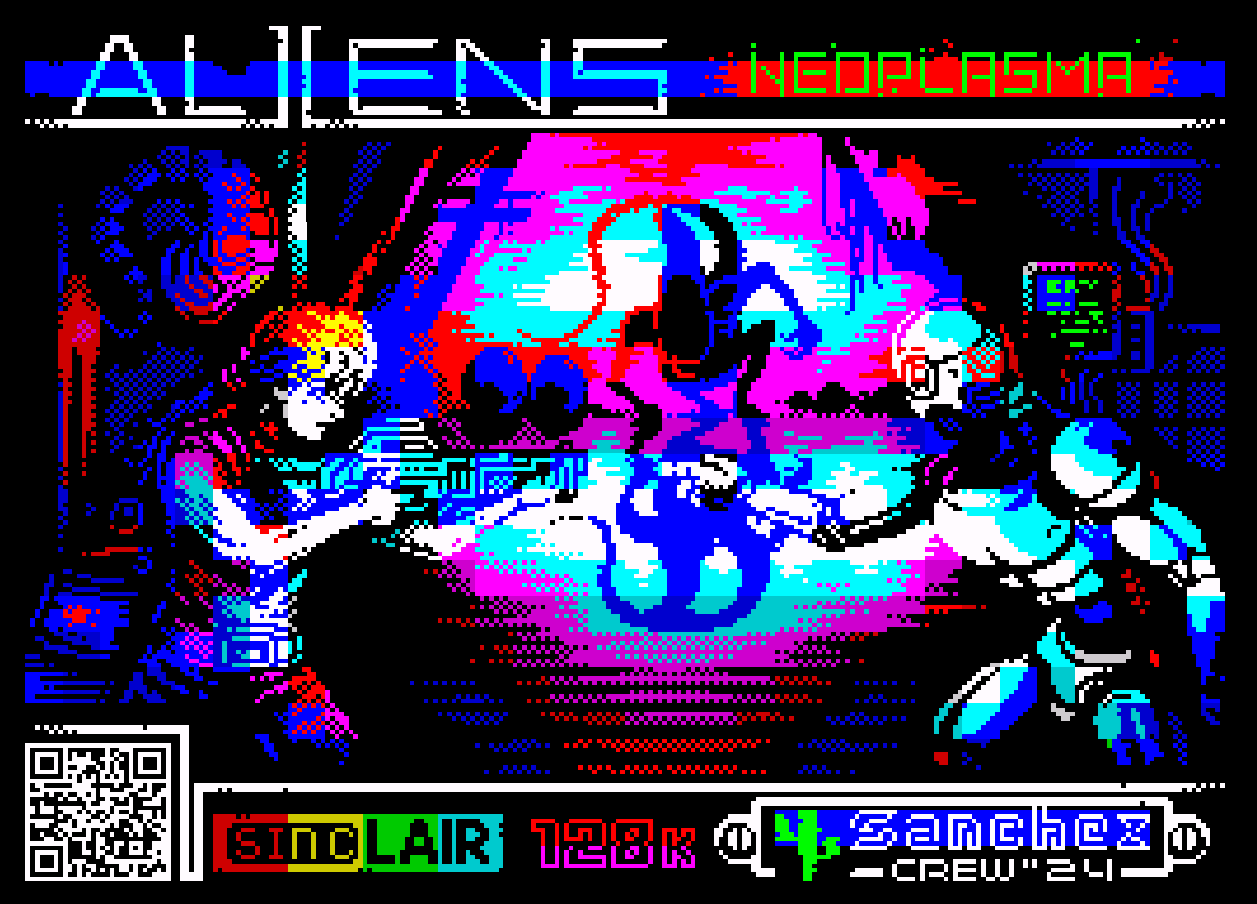
It looks cool, but a good port of “ALIEN NEOPLASMA” for our Amstrad computers would be awesome.

2 Likes

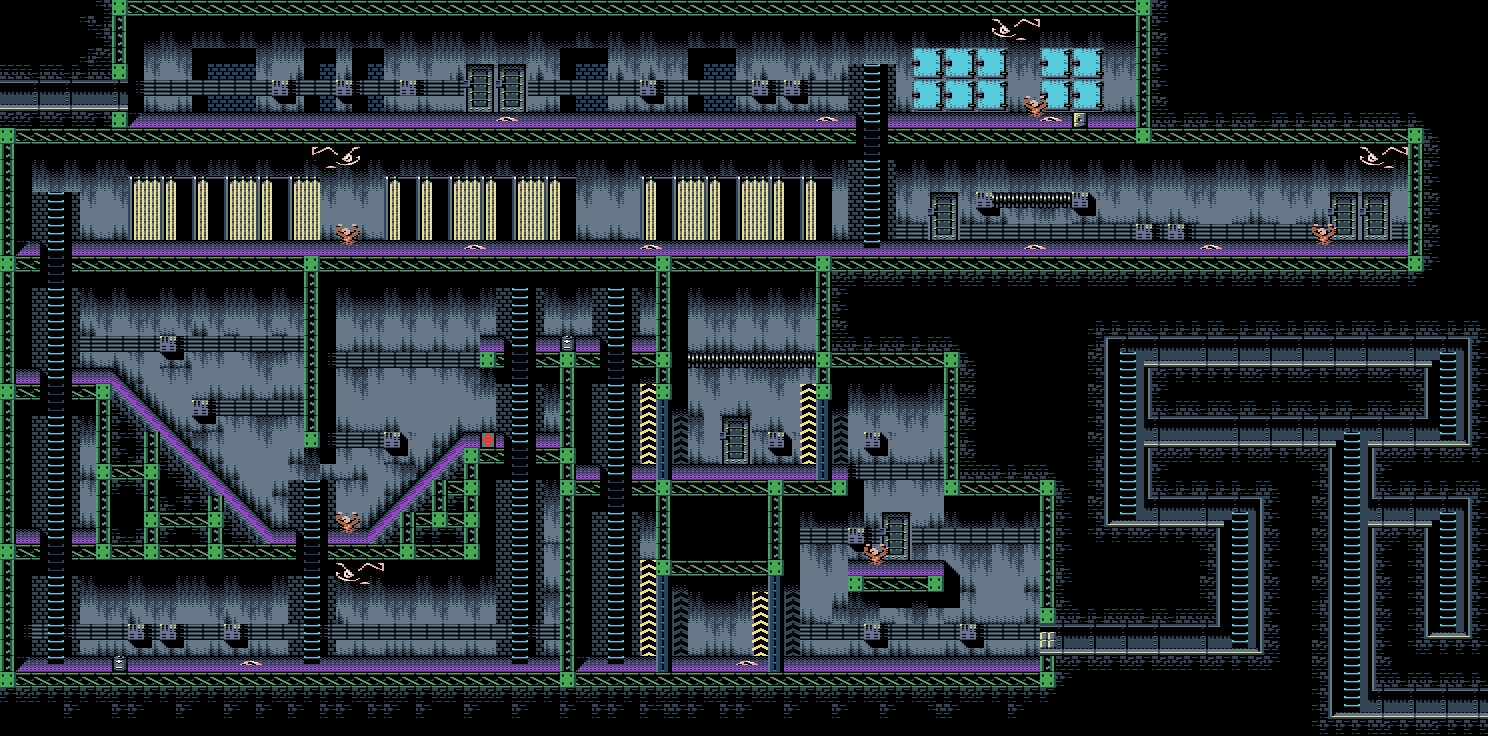
The scrolling is insanely good!

Is there any way I could take a look at the code? I’m dying to know how the scrolling was programmed. I’ve always failed at doing that myself so far. Even just a technical description would make me super happy.

Huge compliments!

Best regards,
S.D.

2 Likes

Markus is always reachable. The link goes to the project where you can find his contact info. I think he uses a specific AI that he’s been developing with for years. Sometimes he also drops by FACEBOOK https://www.facebook.com/devilmarkus

just a note @RETO_AMSTRAD the last name is “Hohmann” hehe

1 Like

thanks

Your dreams just might come true ,:alien::alien:

1 Like

“Huh? Spill the beans, you little ALIEN mouth! :smiley: So a port is in the works, then. I call first and second in line!

Just kidding, I really hope it happens because it’s one of the most immersive TEXT-GRAPHIC ADVENTURES in the microcomputer scene.”

1 Like

Yeah, I shared it everywhere, and turns out I’m giving free publicity to the photo album guy. I fixed it later—that’s what I get for spelling things out the way they sound.

1 Like

Given that it’s for a Plus, I’d assume it just using the hardware scrolling, which is quite a lot simpler than trying to get even vaguely smooth scrolling on a standard CPC. There are still some tricks you can do to make things better, but if everything moving is handled by sprites you mostly don’t even need them.

Confirmed it is plus hardware soft scroll with sprites.

The main thing is to set CRTC register R12 and R13 to the start of the screen. You can do that from basic like this:
OUT &BC00,12:OUT &BD00,&30:OUT &BC00,13:OUT &BD00,10

The key thing to remember here is if you enter a lot of these commands BASIC will scroll the screen so it may be hard to see what is going on. Therefore put that line into a basic program and change the last value there ‘10’ and you can see a bit more about how it works.

By changing R12 and R13 you are changing where the screen display is shown from. Then based on the width of the screen it then wraps to the next line and so on. When it gets to the end of the screen it wraps back again so if you increase the number for R13 and R12 (but remember to add on +&30 here to keep it in the range &c000-&ffff) then you can see how the numbers work. Adding, subtracting, how much to move entire lines etc.

What the Plus then does is provides two more registers. So you can shift the screen in pixels horizontally and vertically. Essentially you change the shift value 0 up to 15. Then reset it back to 0 and update R12 and R13. Doing that gives a soft pixel scroll. The same pattern can be used vertically with the vertical soft scroll value.

Once you got that you are scrolling the screen. The next step is to update the graphics.

When scrolling horizontally you update a column of graphics on one side of the screen, which is not really important due to the way the screen wraps and you introduce the new graphics here. If you scroll and introduce new graphics you can then scroll an entire map.

If you want to scroll vertically again you update a single row either at the top or the bottom and again not so important which and introduce new graphics to scroll the map.

So once you got all that, on Plus you can freely position hardware sprites anywhere you like over it and no worries.

If you are writing for CPC then you calculate based on the screen base and your sprite x,y coordinates where to draw the sprite. You draw it like you do for a static screen (although there is one place where INC HL doesn’t advance to next screen byte as expected, you can inspect the firmware SCR_NEXT_BYTE dissassembly to see one method, another is you could draw the sprite in columns and avoid it, there are methods).

After you have drawn the sprite you’ll need to erase it, again various methods exist, you could redraw the tiles behind, when drawing copy the screen and restore it, copy it from another fresh version of the screen.. varies.

The softer scroll on the CPC (not using Plus) can be done in various ways, don’t expect to match the smoothness of plus horizontally easily, vertically can be done with various ways.

Is there a specific bits that you need help with? Let me know and hopefully can find a way so it all becomes clear.

4 Likes

I did try it a few times using the embedded emulator on the game’s site. From what I see it’s straight port of the C64 version, so no work was done to relieve the graphics from the 3+1 colours limitation. But I guess you cannot ask an AI to do that yet. :stuck_out_tongue:

Did anyone run the game on any of the usual emulators or even on a real Plus? I am wondering if those inconsistencies with the sprite movement are an issue of the game itself or the embeded emulator.

2 Likes

Thanks for the hint about the “PLUS”. I missed that and was already completely amazed. All for nothing, as it now turns out.

1 Like

Thank you very much for your offer! I’ll take you up on that.
(I once tried to program a ZAXXON-like game on the CPC 6128 (non-Plus). I failed miserably right at the engine stage…)

1 Like

That reminds me of the demo “Isometrikum” by Vanity:

https://www.youtube.com/watch?v=T5SACesODy8

Fast and smooth, diagonal scrolling on a non-Plus system. But that’s definitely not easy to program.

2 Likes

THANKS for the link! That is extremely well done! I haven’t the faintest idea how someone programs something like that on the CPC 6128.