Hello everyone,
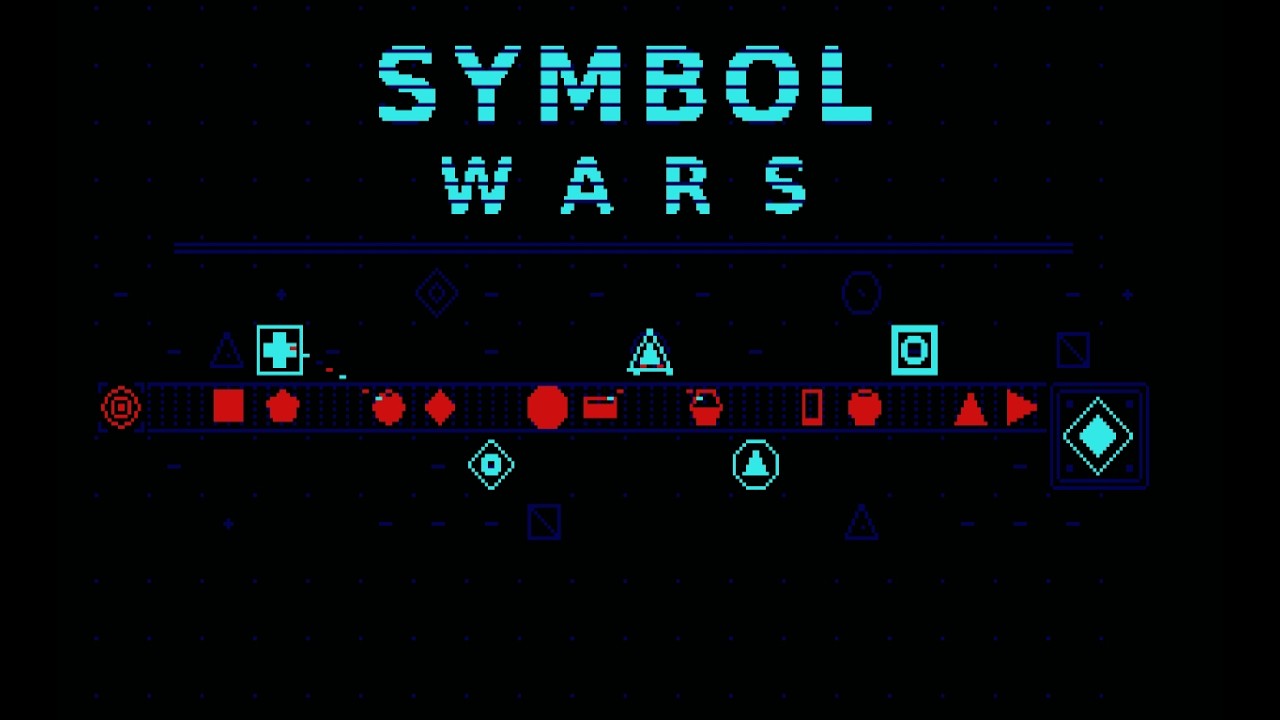
I’d like to introduce my game “Symbol Wars”. I wrote it using the same sprite engine as my game “Sternenschwarm”. (Sprites follow pre-defined paths).
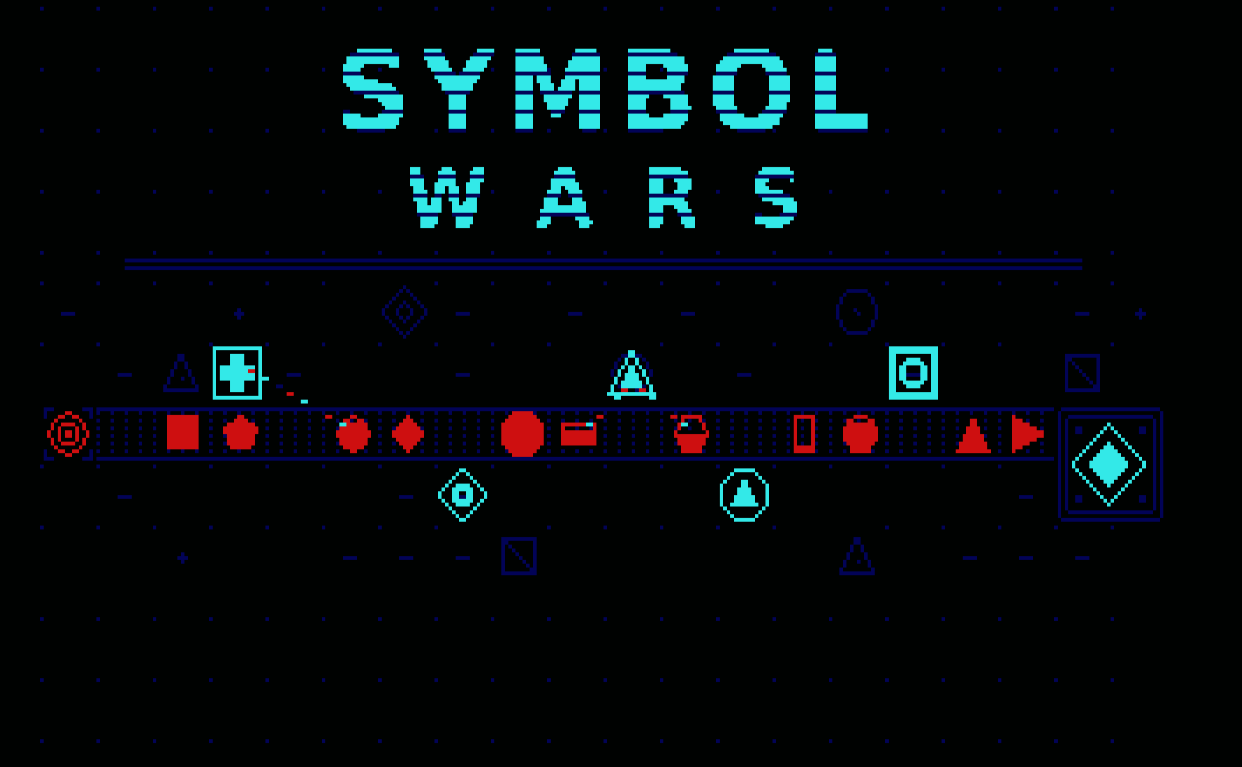
symbol.dsk (190.3 KB) (run"start").
Yes, it’s my attempt at programming a tower defense game for the CPC. Its unique feature is that all levels are randomly generated. More info on that below.
I’ve put in quite a few playthroughs to find the right balance between the enemies and your own weapons. I know it’s not completely balanced yet. But I need to take a little break now, so here’s the current state of the game.
INSTRUCTIONS
Prevent the symbol enemies from reaching the goal: Build weapons along the path, defeat each wave, and survive the entire level. Every enemy that leaks through costs lives; when you hit zero lives, the game is lost.
Title Screen and Settings
SPACE = Start game
Left / Right = Select level
S = Enter seed (0–65535); same seed = same levels
C = Change color scheme (12 palettes, e.g. TRON, SIGNAL, EMBER, MINT, ICE, PLASMA)
D = Difficulty: EASY (enemies 25% weaker, 50% more lives), NORMAL, HARD (enemies 25% stronger, one-third fewer lives)
L = Load game state (3 save slots)
H = View Hall of Fame (SPACE = back)
Playfield and Indicators
The status bar is at the top, with the playfield and path beneath it. Enemies move from the starting point to the destination; both look identical, and for each wave, a roll determines which side they emerge from. Starting from Level 2 and in the final third of the waves, both sides attack simultaneously.
- Weapon bar: The five weapons with their costs (in yellow); the selected one is underlined.
- Gold and lives: Gold (yellow) and lives (heart) are shown at the top, next to your score.
- Info lines: Level, wave, and countdown to the next wave, followed by hints like “CANNOT BUILD HERE” and the targeting priority of the tower currently under the cursor.
- Range ring: A ring of 24 dots around the cursor indicates the range of the selected weapon or the one under the cursor.
- Speed indicator: “X2”, “X4”, or “/2” in the status line.
- Enemy fill: An enemy’s remaining health is indicated by how filled its shape is (4 stages, emptying from bottom to top).
In-Game Controls
- Cursor keys / Joystick = Move build cursor (hold down = repeat)
- 1 2 3 4 5 = Select weapon: Laser, Missile, Slow, Bomber, Prism
- SPACE / COPY / Fire = Build weapon; on an existing weapon: upgrade to the next tier
- DEL = Sell weapon under cursor (75% refund of total spent)
- RETURN / ENTER = Call next wave immediately (remaining seconds award bonus gold)
- + = Faster: ×1 → ×2 → ×4
- − = Slower: ×1 → ×½ → ¼
- T = Target priority for tower under cursor: FIRST (lead enemy), STRONG (strongest), WEAK (weakest), FAST (fastest)
- S = Background sound (heartbeat) on/off
- P = Pause
- ESC = Prompt “Quit to title?” (ESC = yes, SPACE = no)
Weapons
Each weapon has 3 tiers (thin, double, or filled inner symbol). Costs are shown in the weapon bar; upgrades also have fixed prices. When firing, a red pixel flashes briefly in the center of the weapon.
- 1 Laser (Square with cross)
Short range, very fast. The beam chains to additional enemies. - 2 Missile (Circle with triangle)
Medium range, fires a volley of two homing missiles (each dealing half damage). - 3 Slow (Diamond with ring)
Halves the speed of up to 3 / 5 / 8 enemies (depending on tier) within range. - 4 Bomber (Heavy square with circle)
Longest range, slow. Explosion: full damage in the inner half of the radius, half damage on the outer half. - 5 Prism (Triangle inside triangle)
Does not attack; increases the damage of up to 8 neighboring weapons by 25 / 40 / 60% per tier.
Enemies and Resistances
There are thirteen enemy shapes. Two special cases:
- Speeder: Small and extremely fast, immune to Slow and Bomber. Can only be hit by Laser and Missile. Appears every few waves starting in Level 2.
- Boss: Slow and tough, a shapeshifter: It takes on the resistances of whatever shape it currently displays. A boss appears in the final wave of each level (multiple in higher levels).
Not all enemies take the same damage from each weapon (percentage of standard damage): - ENEMY (LASER, MISSILE, BOMBER)
- Upright triangle (100, 100, 100)
- Horizontal triangle (100, 75, 75)
- Circle (75, 100, 100)
- Square (100, 75, 125)
- Horizontal rectangle (75, 100, 100)
- Vertical rectangle (50, 125, 100)
- Diamond (125, 50, 50)
- Pentagon (75, 100, 125)
- Hexagon (50, 125, 100)
- Heptagon (100, 75, 125)
- Octagon (75, 100, 125)
- Speeder (100, 100, immune)
If you only build one type of weapon, you will eventually run into enemies that resist it.
Tips, Scoring, and Saving
- Mix your weapons: Lasers and Missiles for fast enemies, Bombers against swarms, Slow towers in front of heavy hitters, and Prisms placed centrally among several neighbors.
- Place weapons around corners and choke points so they have line of sight on the path for as long as possible.
- Use T to set targeting priorities, e.g. STRONG for Bombers and FIRST for Lasers.
- Press RETURN to summon the next wave early once your defense is set: remaining seconds turn into bonus gold.
- The first wave is the easiest; build your initial weapons before it starts.
Scoring: Kill = 10 × enemy’s gold value, +100 per wave, plus an end-of-level bonus. If you clear a level without losing a single life, you get +500 points and 50 extra gold at the start of the next level. If your score makes it into the top 8, you enter 3 letters; the Hall of Fame displays name, score, seed, and level.
Saving: After clearing a level, press S = save (slot 1–3) or SPACE = continue. Load saves on the title screen using L. After a defeat, SPACE takes you to the name entry screen (if you hit a top 8 score) and then back to the title screen.
Behind the Scenes
The game is mostly hand-coded and the graphics were drawn by hand. However, AI was used: specifically, I had ChatGPT generate all the audio sequences. Everything I tried making myself was completely unusable.
A level is generated in several steps, with each step being verified. If one fails, the program simply moves on to the next seed.
-
Seed and Level Number
The seed is a number that determines the entire game. Combined with the level number, it produces a starting value for the pseudo-random generator. The same seed and level number will always yield the exact same level. This makes it possible to share specific levels via their seed. -
The Path
First, a path is laid out. It starts at the left edge, runs in horizontal segments to the right, shifts rows along the way, and finishes at the goal. The path only turns at 90-degree angles and never crosses itself. -
Path Validation
If the path is too short or too long, it gets discarded. It is also rejected if it has gaps or doesn’t leave enough adjacent free tiles for building. The generator will then try the next seed until one works. -
Obstacles
In later levels, more unbuildable obstacle tiles are added. There are only a few early on. After placing them, the game checks whether enough buildable tiles remain. -
Credits and Lives
Credits and lives are set for the level. Credits increase from level to level, while lives decrease slightly. The selected difficulty and starting gold apply on top of that. -
Waves
The number of waves scales with the level, with a bit of randomness thrown in. The difficulty of each wave scales based on the credit budget you could potentially earn up to that point. The opening waves are easy, while the final wave of a level is significantly tougher. In higher levels, the difficulty curve ramps up more sharply. Which enemies spawn in a wave depends on their position in the sequence. The final wave contains a boss.
Why do it this way?
The waves are balanced so that you can afford a viable defense with the credits you’re able to earn. The generator calculates this in advance. As a result, every level is beatable, even though it’s procedurally generated. Well, that’s the theory, anyway.