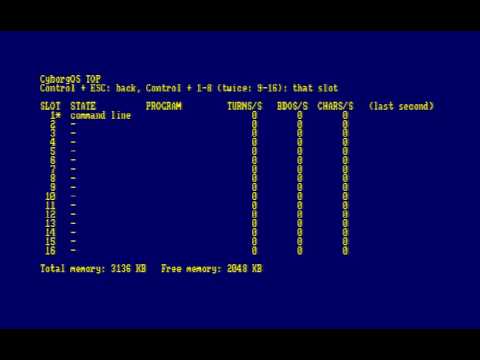
Hi Everyone, here is my 2 days work of creating CyborgOS - ok, technically it’s years of planning - but now it came together in 2 days.
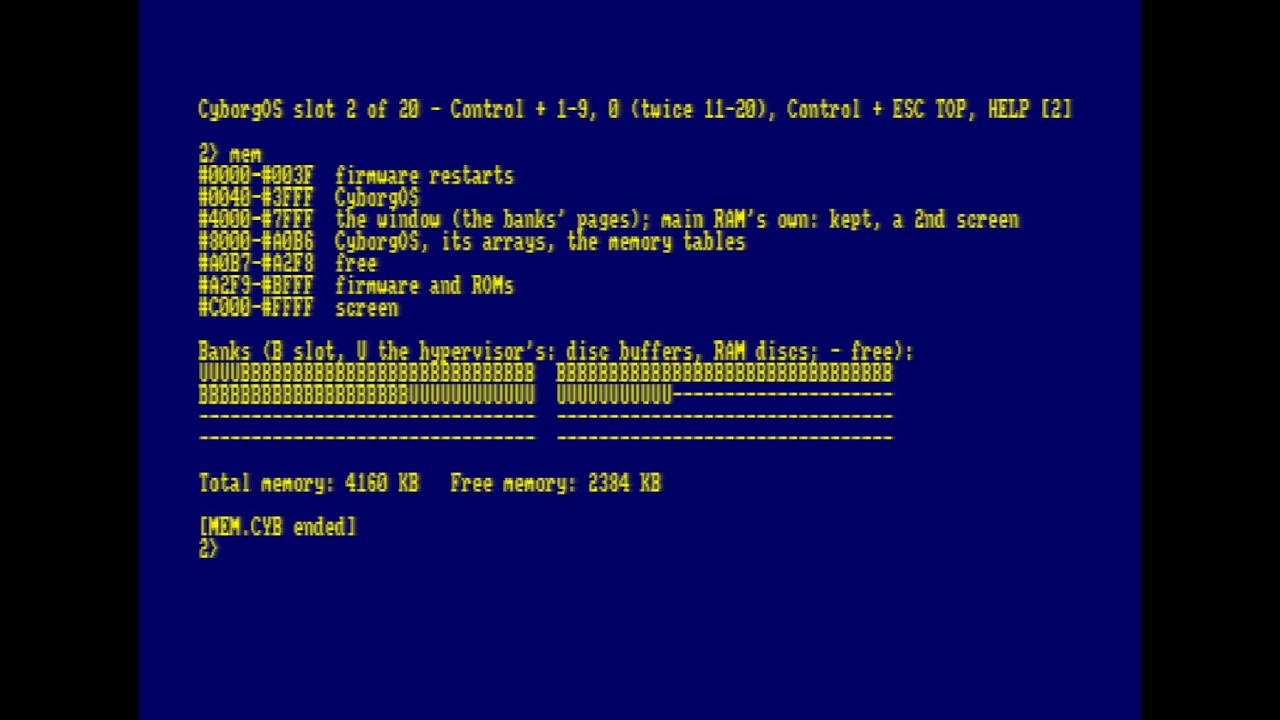
It wouldn’t have been so easy without NTC BASIC for which it is developed in. If you have tried it a day ago - it ran like a dog, now it hums. I had to come up with a novel directory mechanism for now - and I’m still using AMSDOS / UNIDOS ROMs - not terrible - but it means this might be the last model that works on a 128kb machine. Already I had to reduce the memory lists that support 4gb to 3gb and remove the double buffering from CyborgOS to cater for a single 64kb task on a 128kb computer. It may hang around if I separate builds, but I don’t see the 128kb version being the ultimately platform. Time for everyone to upgrade, get 512kb RAM, or… 1mb, or 4mb!
Currently you can build CP/M programs using NTC BASIC and run them from in there. Very limited BDOS (input output, no real filesystem yet), BIOS coming maybe… (likely in the 320kb+ version).
I
Full UniDOS support now - it’s a requirement! Floppy drives not supported in the normal sense - but the utility ‘floppy’ is provided to let you transfer disc images to mass storage.
CP/M programs now gaining more compatability - most things run, with the odd bug here and there (system bugs, not per application) which I am addressing, like… files or keys, or display.
Nothing beats debugging CP/M programs on the same computer you are running them on!
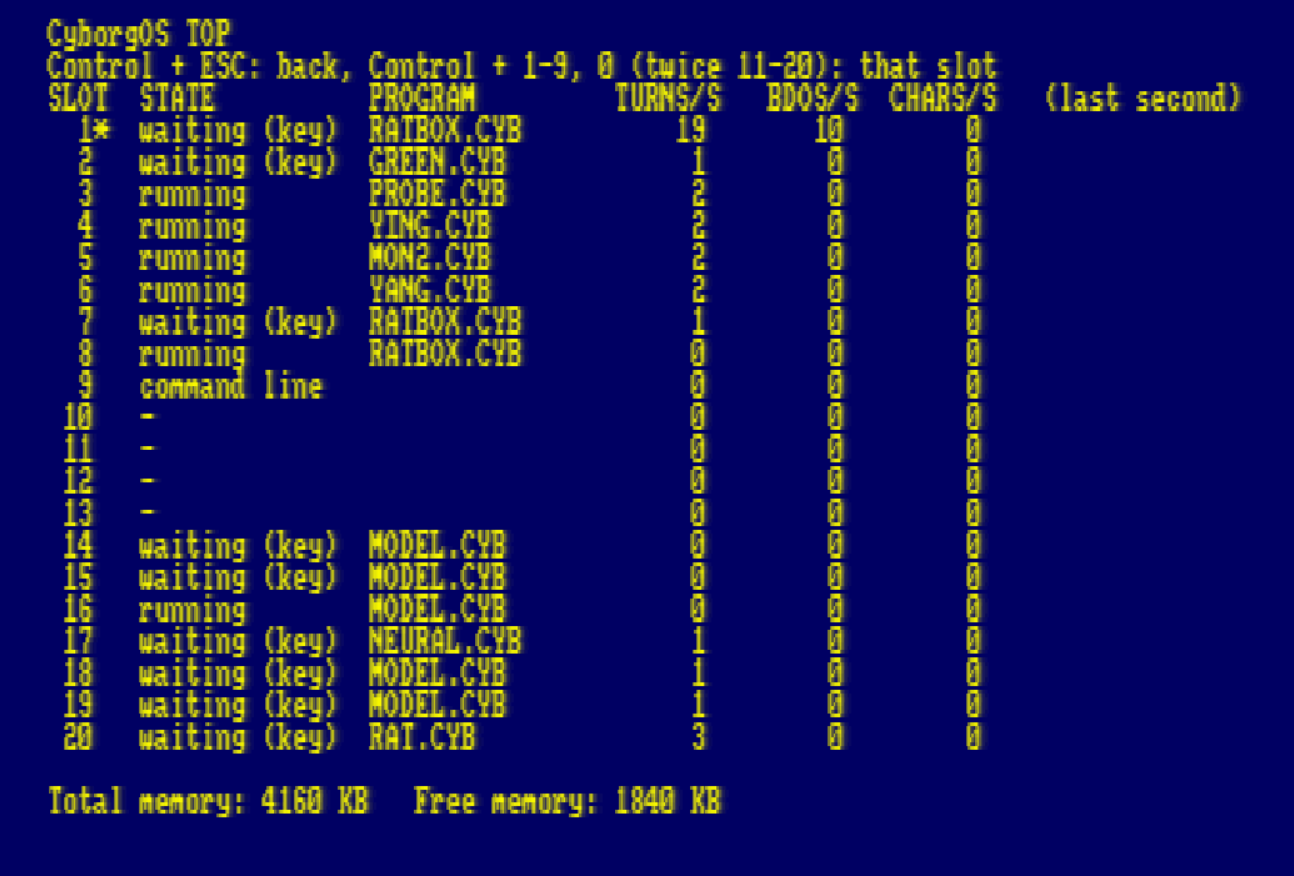
If you wanted the best CPC/CPM system on CPC, including WinAPE correct behaviour at 10x performance… run 20 copies of BBC BASIC at the same time? or something else? I’m sure it will be much better in a few more days. This is day 3. For those who want to learn how to code a hypervisor in BASIC with inline assembler, full source is there, it’s really easy to understand. I’ve still got full double-buffer capability in main memory too - trying hard to keep it, many enhancements gobble a bit of main memory - but I’m not limited with drivers, they go sideways.
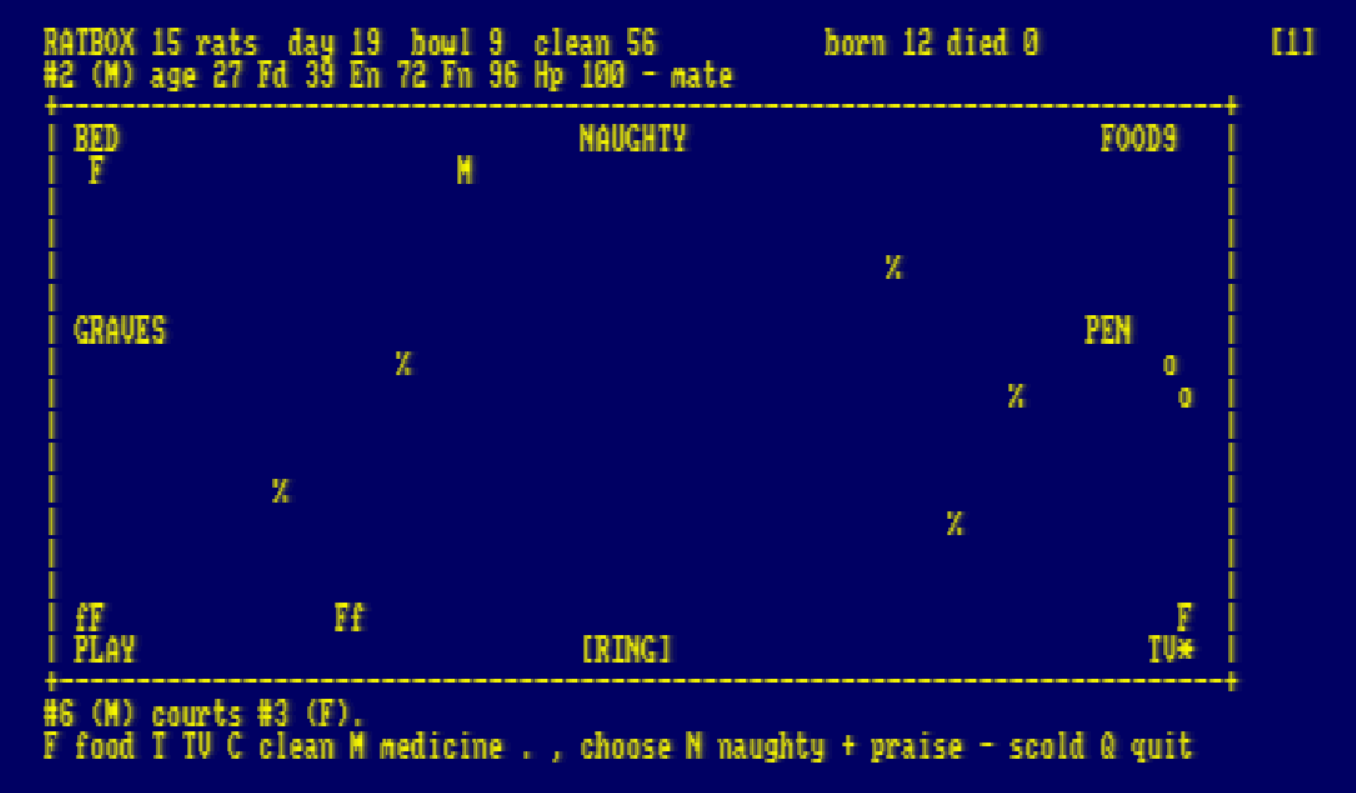
Today introduces internet access with M4 Card as well as a mini NeuralNet and Decision Tree based AIs. You can play with Pet (Tamagotchi style virtual pet) and Ratbox (a box full of rats). These are driven by the decision tree. The introduction of services with named ports allows the services with a model to run in a slot and application in other slots to use it - examples how to code a bridge between a real-world I/O board and the decision tree models is explained so you can run your greenhouse on your CPC for example.