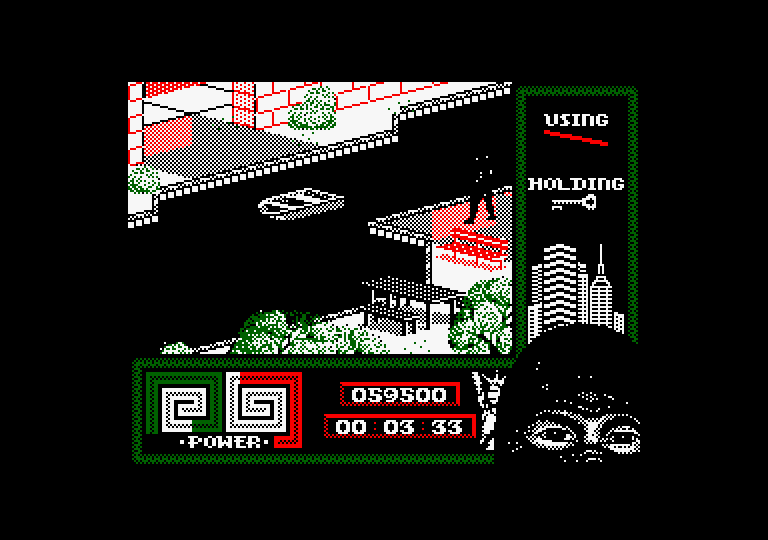
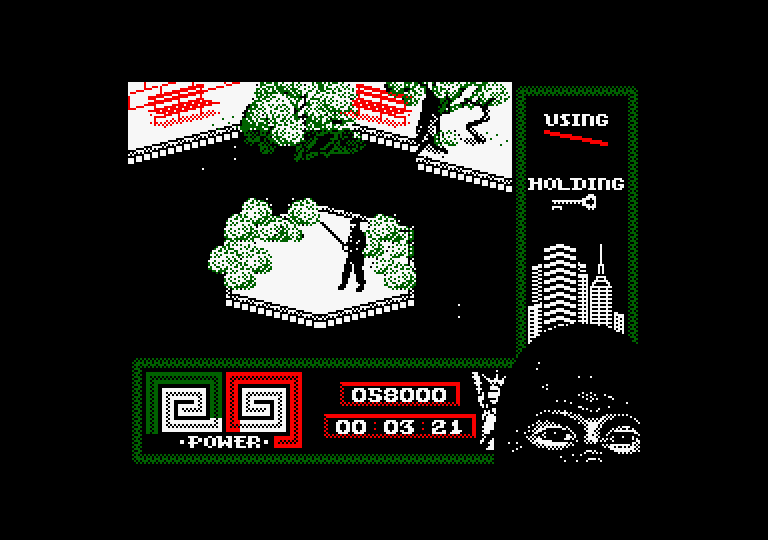
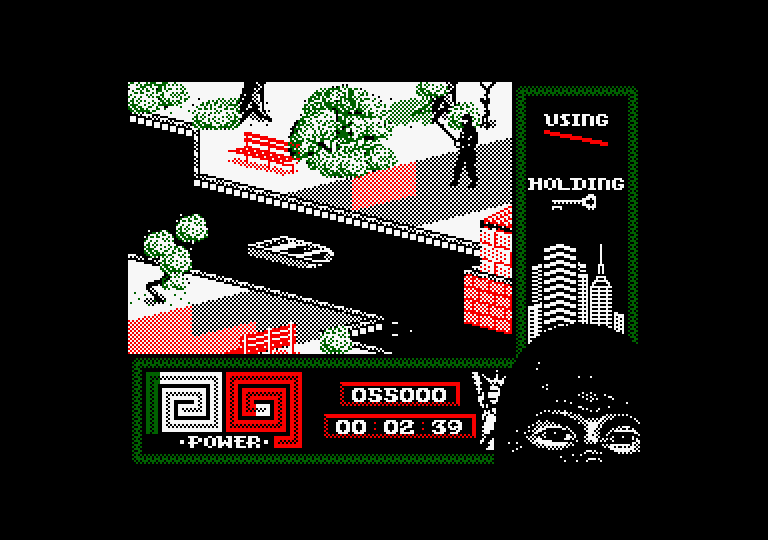
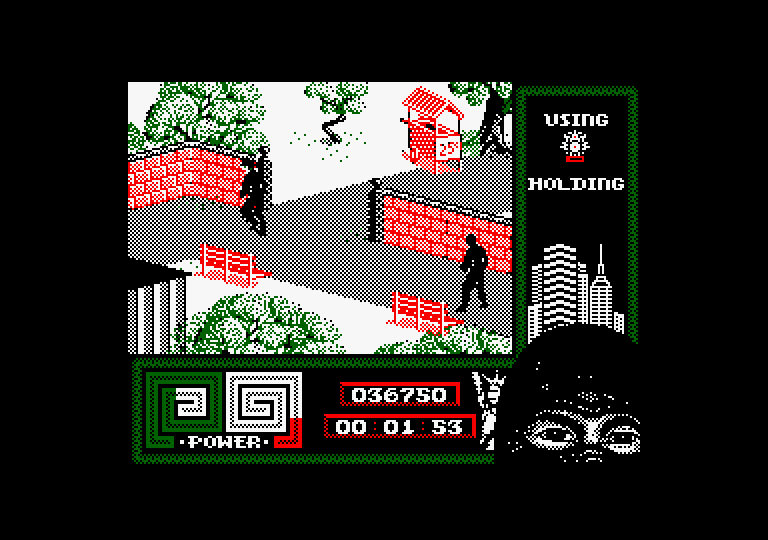
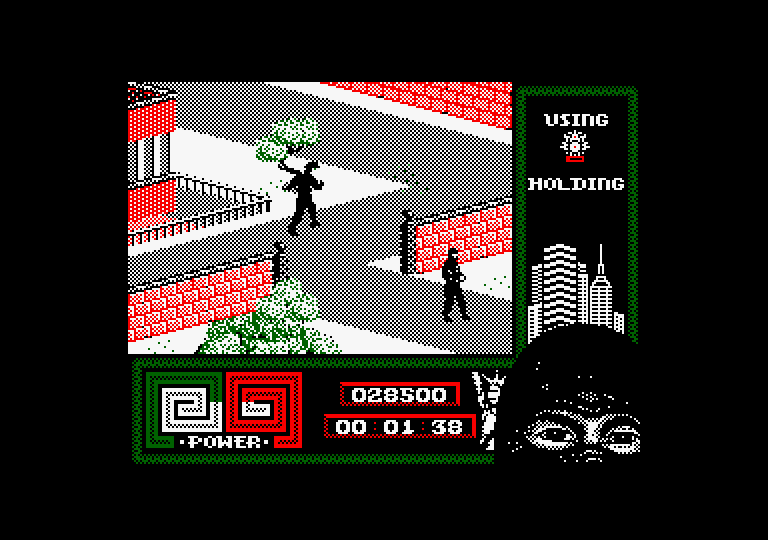
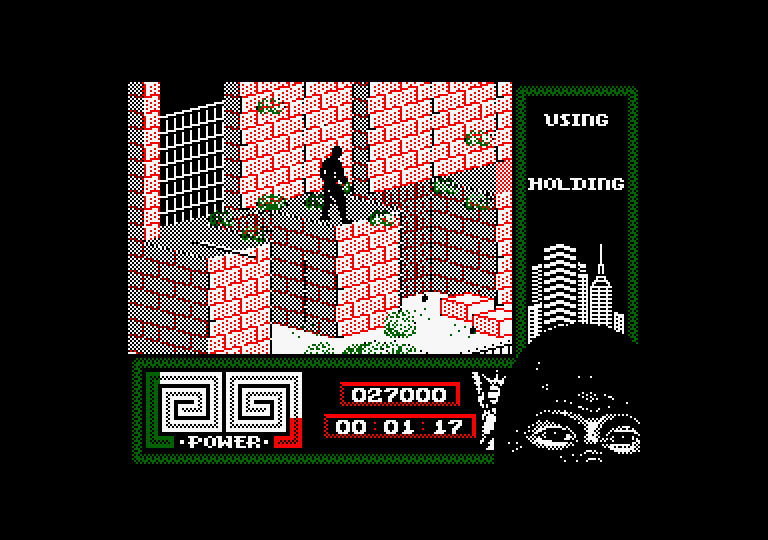
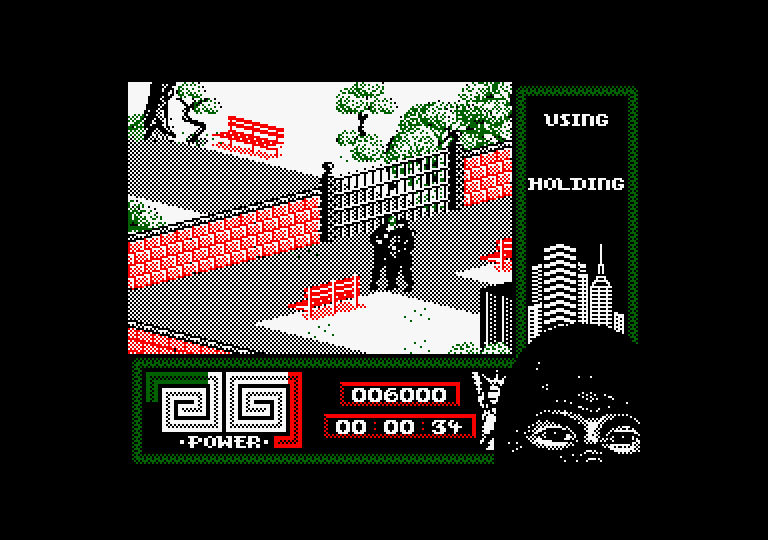
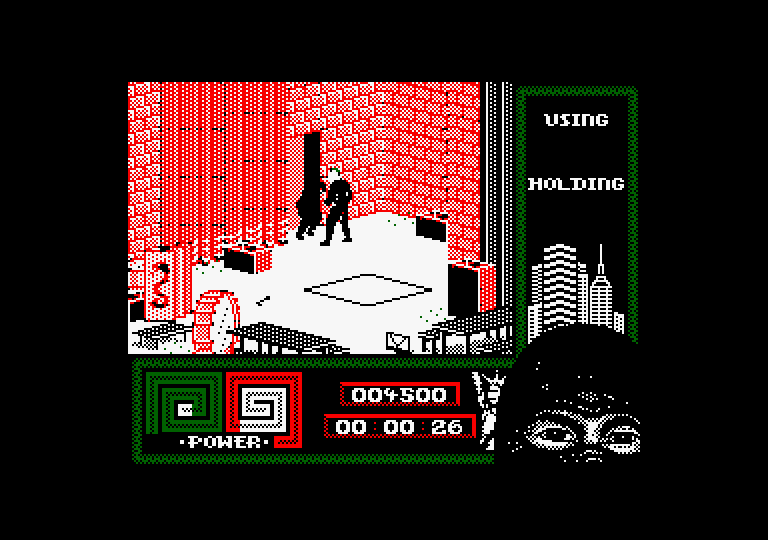
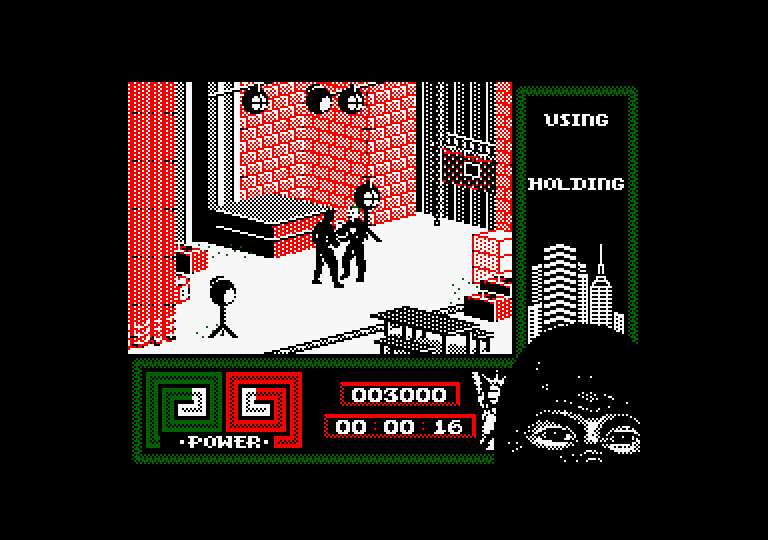
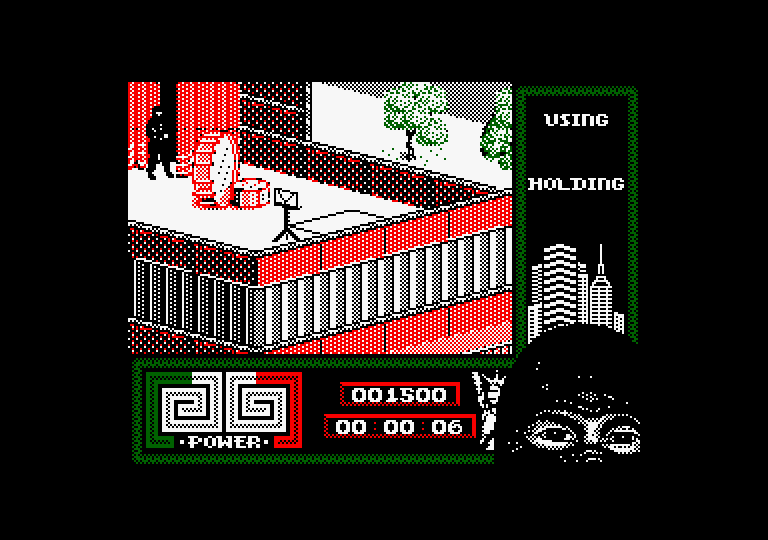
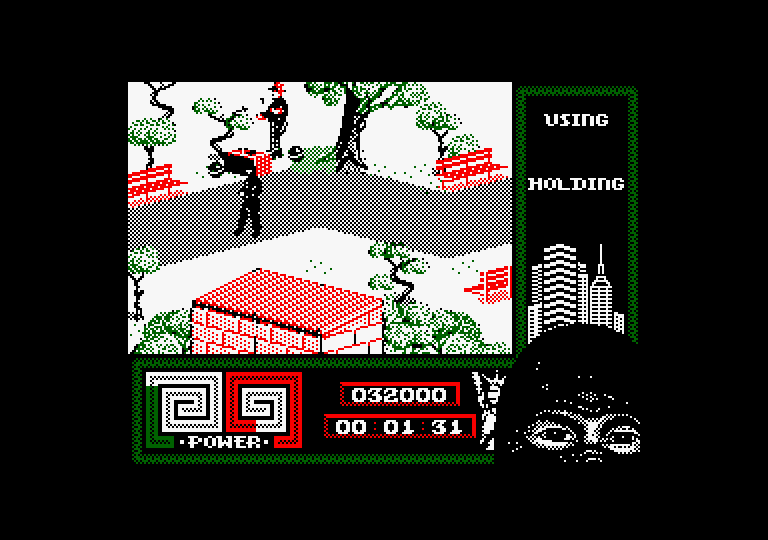
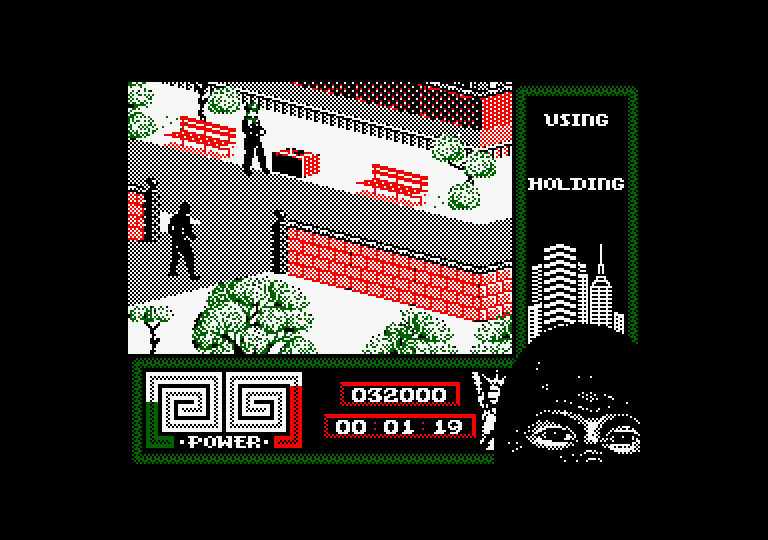
The result could be improved, but this is what Claude generated in about 2 hours after being fed almost all of the decompiled source code of Last Ninja 2 in RASM, and being told to convert it to Mode 1 with 4 colors and double buffering. The resulting version runs on 128k with bank switching, as the graphics and code wouldn’t fit into 64k. It has a few minor glitches, but it’s fully functional.
2 Likes
Welcome isodoro,
decompiling to asm seems to be the most logical way to have something working rather fast.
Nice screen with more colors.
@isidoro Welcome!
That looks much, much better!
It really does look very nice, but can it improve the gameplay? 
Yes, for example, an optimization Claude made without being asked was to improve speed by adding tile culling when rendering each screen (in the original, the tiles displayed permanently over the background and sprites are completely redrawn every frame).
Here is part of the conversation:
“”"
But I measured it, and on its own, it does NOT speed anything up (7.0 frames/iteration vs. 6.7 before). Almost all the time is spent not on blitting to the screen, but on redrawing the foreground tiles (2.8 frames) and the depth tiles in every iteration, even if nothing next to them has moved. That’s why copying between pages is also expensive.
I’m also going to make it so tiles are only redrawn if they overlap a rectangle that has changed, with a pixel-by-pixel check against the original. That should bring it down to about 3–4 frames/iteration.
…
Speed: The main loop iteration goes from 6.7 to 3.1 video frames. The gain comes from skipping the redraw of tiles that don’t overlap anything that changed. Double buffering on its own doesn’t speed things up: my first version without skipping was slower, at 7.0 frames. Now the game is probably running faster than the original; if you want to cap it, you’ll need to wait N vsyncs per iteration, and I haven’t included that by default.
“”"
1. Tile culling (this is what delivers the speed boost)
Double buffering on its own doesn’t speed things up: with the ~3,800 bytes/iteration blit across rectangles, the first version ran at 7.0 frames/iteration (worse than 6.7). The gain comes from not redrawing depth/foreground tiles that don’t touch any dirty rectangle:
TILE_DIMS(#8700): width (bytes) and height (lines) of each tile, generated insetupby reading the bank 5 headers (generate_tile_dims).RENDER_depth_tilesandRENDER_tilemapuse.tiles_culled/CULL_tile_check: they skip the tile if it doesn’t intersect any rectangle inDIRTY_LIST. A drawn tile marks itself, so the overlapping order is preserved.RENDER_cull_force(≠0 → draw everything): triggered at startup, inVRAM.mark_all(erase/invert), and inCULL_update; reset to 0 afterRENDER_tiles_foreground.- Tilemap changes. Some tiles flicker or get disabled (trapdoor switch, items, poison…), which changes what lies underneath.
CULL_update(managers/depth_buffer.asm, after updating actors and before drawing tiles) checksums 160 words of the current tilemap and compares it againstCULL_signature; if it changes, it forces a full redraw. The code modifying the tilemap doesn’t need to notify anything.
The summaries are very interesting and are very useful learning tools aren’t they?